Cold Wallet App
Cold Wallet App: The Ultimate Guide to Protecting Your Crypto Assets Offline
Are you serious about protecting your cryptocurrency investments? If you are still relying solely on exchange accounts or "hot" wallets connected to the internet 24/7, you might be playing a dangerous game. When dealing with digital wealth, security is paramount. That's why understanding and utilizing a Cold Wallet App is absolutely essential for any serious crypto holder.
A Cold Wallet App provides a crucial layer of defense, moving your private keys away from vulnerable online environments. Think of it as putting your most valuable possessions in a high-security vault, rather than leaving them under your mattress. This article will walk you through what these applications are, why they are indispensable, and how you can choose the best one for your needs.
What Exactly is a Cold Wallet App?
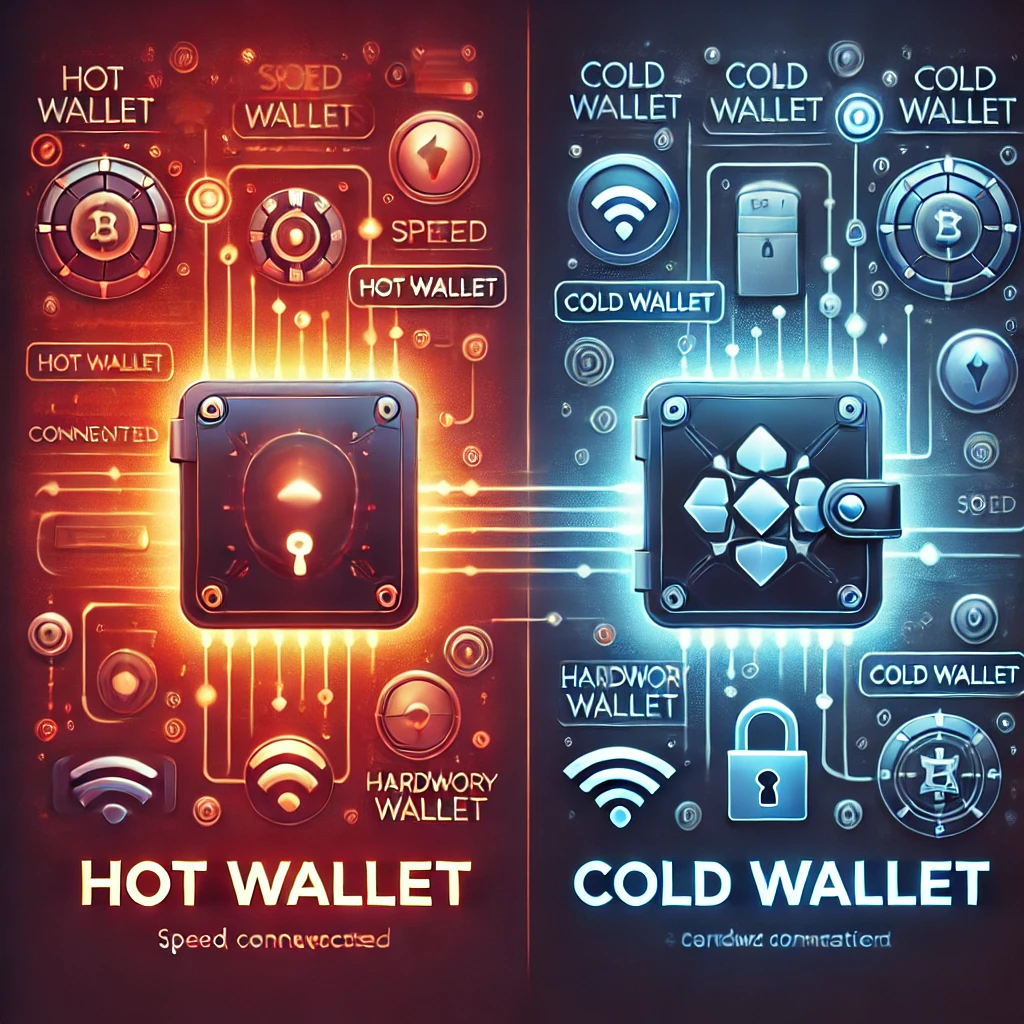
In the crypto world, we distinguish between two main types of storage: hot and cold. Hot wallets are connected to the internet—think MetaMask or your exchange account. Cold wallets, however, are designed to keep your private keys completely offline, maximizing security against remote attacks.
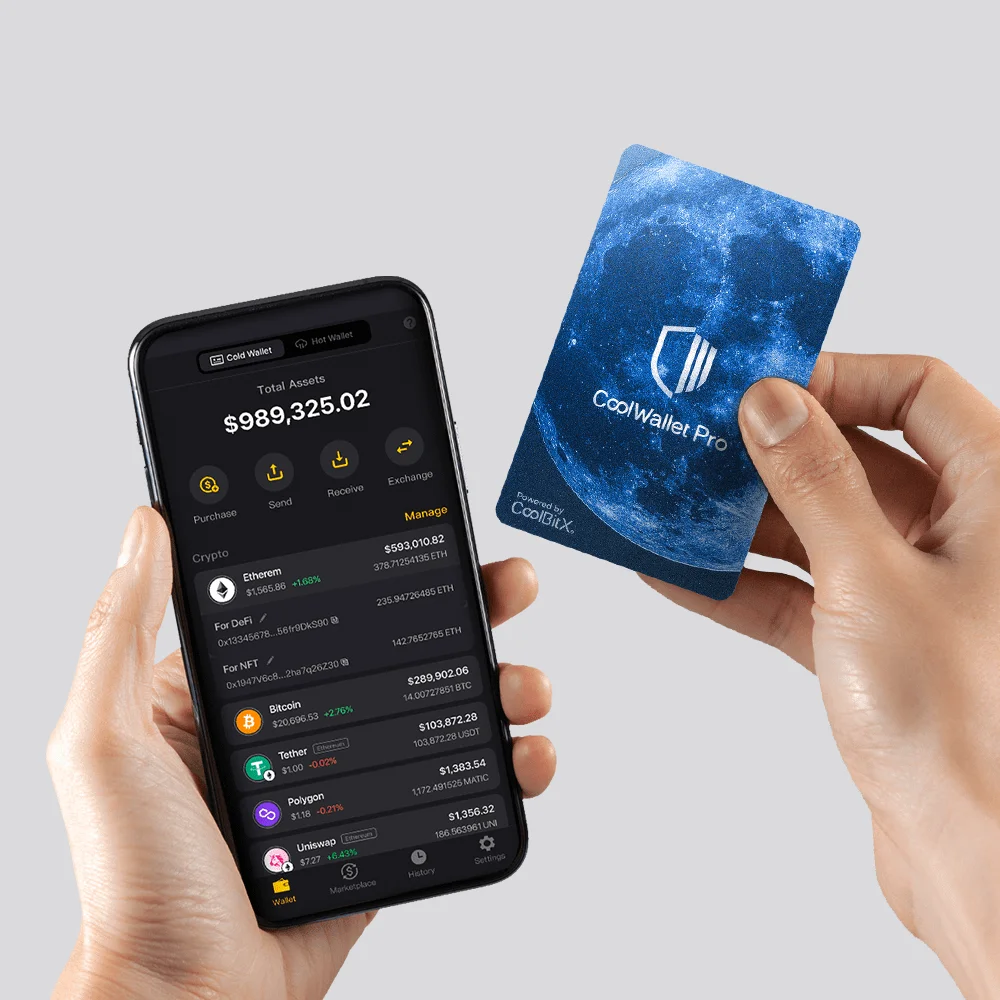
A Cold Wallet App is often the user interface (UI) you use to interact with your offline storage solution. While the term "Cold Wallet App" sometimes refers to software that generates private keys while disconnected, more commonly today, it refers to the mobile or desktop application used to manage a hardware device.
The key characteristic is isolation. The mechanism holding your private key—the actual proof of ownership—never touches the internet when it's not absolutely necessary for signing a transaction. This physical separation is what makes cold storage the gold standard.
Hardware Wallets vs. Dedicated Cold Wallet Apps
It is important not to confuse the hardware device with the accompanying app. Hardware wallets, like Ledger or Trezor, are the actual cold storage devices.
The Cold Wallet App, such as Ledger Live or similar management software, is the interface installed on your phone or computer. This app allows you to check your balance, initiate transactions, and manage various coins without exposing your private keys.
When you want to send funds, the app prepares the transaction data. It then sends this unsigned data via USB or Bluetooth to the hardware wallet. Only inside the isolated, secure chip of the hardware wallet are the private keys used to sign the transaction. The signed transaction is then sent back to the app, which broadcasts it to the blockchain.
Why You Absolutely Need a Cold Wallet App for Security
If you hold any substantial amount of crypto, security risk is your number one enemy. Centralized exchanges are attractive targets for hackers, and even the most secure hot wallets can be compromised if your device is infected with sophisticated malware.
A Cold Wallet App paired with hardware offers a non-custodial solution. This means you, and only you, control the keys. You eliminate counterparty risk—the risk that a third party (like an exchange) might be hacked, go bankrupt, or freeze your assets.
Mitigating Online Threats
When your private keys are stored offline, the vast majority of common hacking methods become instantly ineffective. Cybercriminals rely on accessing data that is actively online.
The secure architecture of cold storage protects you from several major threats:
- Malware and Keyloggers: Since the keys are never typed on your computer or stored on its hard drive, keyloggers cannot capture them.
- Phishing Attacks: Even if a scammer tricks you into clicking a malicious link, they cannot access the physical device required to sign the transaction.
- Remote Hacking: An attacker cannot remotely access your private keys because they are locked inside a physical chip that is cryptographically isolated.
Understanding the Role of Private Keys
In the decentralized world, possession of the private key equals ownership of the funds. This is a critical concept. When you use a **Cold Wallet App**, the app itself only shows you your public address and balance.
The private key remains sequestered inside the hardware device. This separation of display functionality (the app) and signing functionality (the device) is the core security feature that makes cold wallets so robust. Always remember: "Not your keys, not your crypto."
Key Features to Look For in the Best Cold Wallet App
Choosing the right cold storage solution involves evaluating both the hardware and the associated software. The app should be user-friendly, feature-rich, and regularly updated.
Here are the key characteristics you should prioritize when evaluating a Cold Wallet App:
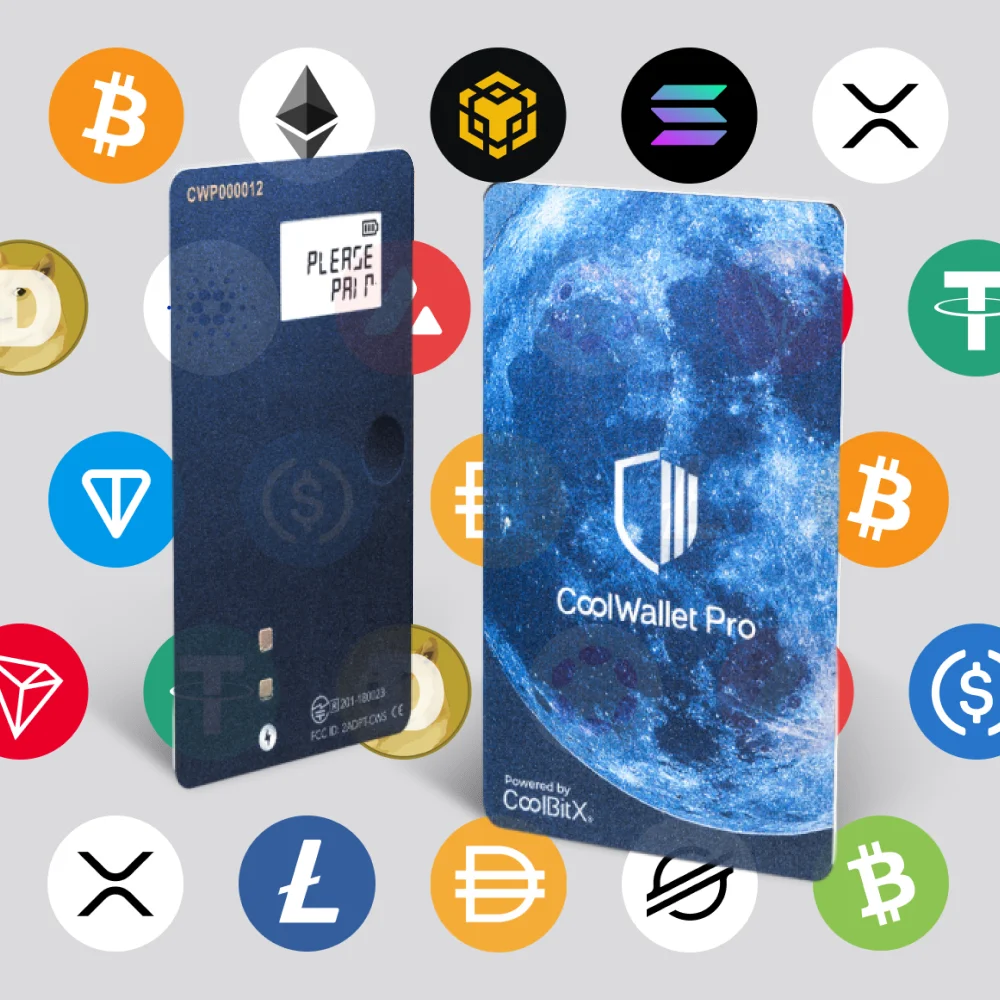
- Wide Asset Support: Does the app support all the cryptocurrencies you hold or plan to hold? This is crucial for consolidating your portfolio.
- Intuitive Interface: The app should make checking balances, generating receive addresses, and initiating transactions simple, even for beginners.
- Integrated Services: Many modern apps allow you to buy, sell, or stake crypto directly within the interface, enhancing utility while maintaining security.
- Recovery and Backup Features: Ensure the app guides you clearly on setting up and confirming your 24-word seed phrase (recovery phrase).
- Pin and Biometric Protection: The app itself should have strong software security measures, such as PINs or fingerprint access, to prevent unauthorized viewing of balances.
- Open Source Code (Preferable): While not mandatory, open-source software allows the community to audit the code for vulnerabilities, fostering transparency.
Setting Up Your Cold Wallet App: A Step-by-Step Guide
Getting started with cold storage is straightforward, but requires careful attention to detail—especially when handling your recovery phrase.
Follow these steps to set up and start using your cold storage solution:
- Purchase the Hardware: Buy directly from the official manufacturer to avoid supply chain attacks or used devices.
- Install the Cold Wallet App: Download the corresponding management application onto your computer or smartphone from the official website or app store.
- Initialize the Device: Connect your hardware wallet and follow the on-screen prompts on the device itself. You will set a PIN.
- Generate and Secure Your Seed Phrase: The device will generate a 12 or 24-word seed phrase. WRITE IT DOWN OFFLINE (on paper or engraved metal). Do not take a photo of it. This is your master key for recovery.
- Verify the Seed Phrase: The device will usually ask you to input some words back to confirm you wrote it down correctly. This is the single most critical step.
- Connect to the App: Use the Cold Wallet App to pair with your device via USB or Bluetooth. The app will now synchronize with the public addresses generated by your offline device.
- Transfer Funds: Send a small test transaction from your hot wallet or exchange to the receive address generated by your Cold Wallet App. Once confirmed, you can transfer the rest of your funds.
Remember, the setup process for a secure Cold Wallet App requires physical attention. Taking your time during seed phrase generation ensures your long-term security.
Conclusion: The Necessity of a Cold Wallet App
In the fast-paced, high-stakes world of cryptocurrency, relying on hot wallets for significant holdings is simply reckless. Utilizing a physical cold storage device managed through a reliable Cold Wallet App is not just a recommendation—it is a mandatory security measure.
By keeping your private keys offline, you take full sovereign control over your assets, eliminating third-party risks and providing unparalleled protection against the most common cyber threats. Invest in a quality cold storage solution today, and gain the peace of mind that your digital future is truly secure.
Frequently Asked Questions (FAQ)
- What is the difference between a Cold Wallet App and a standard mobile wallet?
- A standard mobile wallet (hot wallet) stores your private keys directly on your internet-connected phone, making them vulnerable to malware. A Cold Wallet App manages funds held on a separate, offline hardware device, meaning the private keys never touch the phone's operating system.
- Can my crypto be stolen if my computer running the Cold Wallet App is hacked?
- No, not if you are using a proper hardware-backed solution. Since the private keys are stored only on the hardware device, a hacker would need physical access to the device and your PIN to approve and sign a transaction. The app only displays information; it doesn't hold the signing authority.
- What if I lose my hardware wallet device?
- If you lose the device, your funds are safe, provided you secured your recovery seed phrase (24 words). You can purchase a new device (even from a different brand, if it supports the same standard) and restore access to your funds using that seed phrase.
- Do I need to pay to use a Cold Wallet App?
- While the hardware device itself requires a purchase, the accompanying management software (the Cold Wallet App) is typically free to download and use.
- Is a paper wallet considered a Cold Wallet App?
- A paper wallet is technically cold storage because the keys are offline, but it lacks the sophisticated management interface and security of a modern Cold Wallet App paired with hardware. Paper wallets are generally outdated and harder to use securely.
Cold Wallet App
Cold Wallet App Wallpapers
Collection of cold wallet app wallpapers for your desktop and mobile devices.

Serene Cold Wallet App Picture Art
Transform your screen with this vivid cold wallet app artwork, a true masterpiece of digital design.

Detailed Cold Wallet App Landscape for Your Screen
Experience the crisp clarity of this stunning cold wallet app image, available in high resolution for all your screens.

Beautiful Cold Wallet App Landscape Digital Art
Discover an amazing cold wallet app background image, ideal for personalizing your devices with vibrant colors and intricate designs.
High-Quality Cold Wallet App Landscape Art
Experience the crisp clarity of this stunning cold wallet app image, available in high resolution for all your screens.
High-Quality Cold Wallet App Wallpaper in HD
Explore this high-quality cold wallet app image, perfect for enhancing your desktop or mobile wallpaper.
Stunning Cold Wallet App Image for Mobile
Immerse yourself in the stunning details of this beautiful cold wallet app wallpaper, designed for a captivating visual experience.
Breathtaking Cold Wallet App Photo Illustration
Experience the crisp clarity of this stunning cold wallet app image, available in high resolution for all your screens.
Vivid Cold Wallet App Photo Photography
Transform your screen with this vivid cold wallet app artwork, a true masterpiece of digital design.
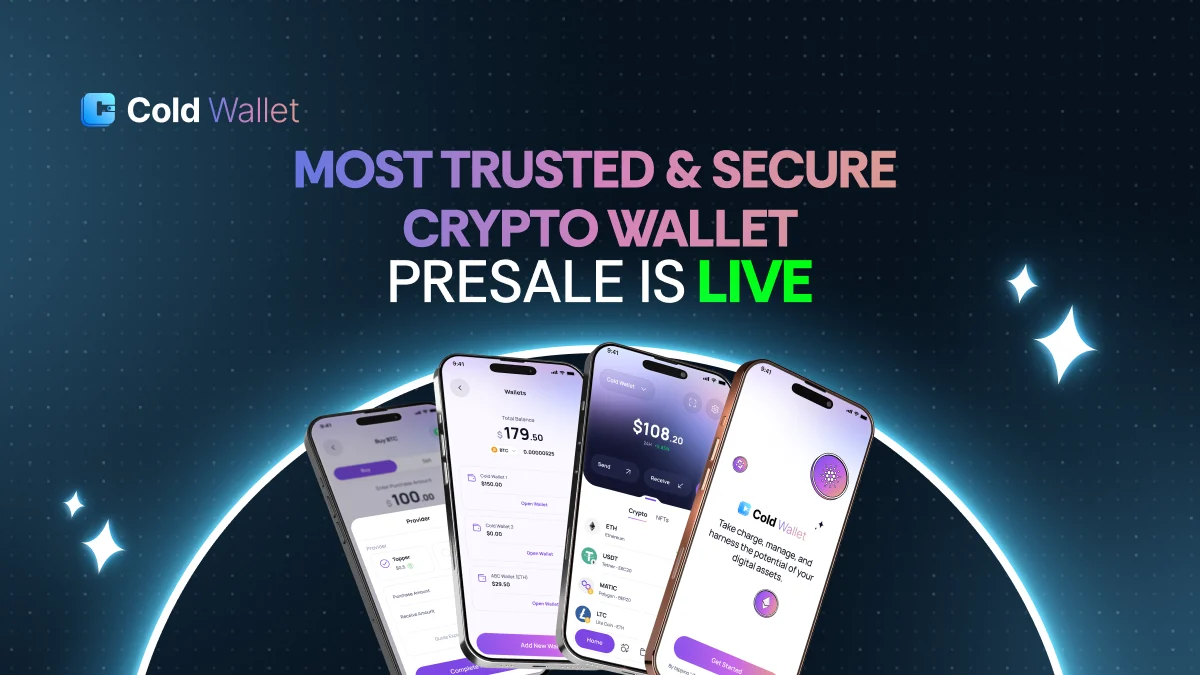
Beautiful Cold Wallet App Landscape Art
Explore this high-quality cold wallet app image, perfect for enhancing your desktop or mobile wallpaper.
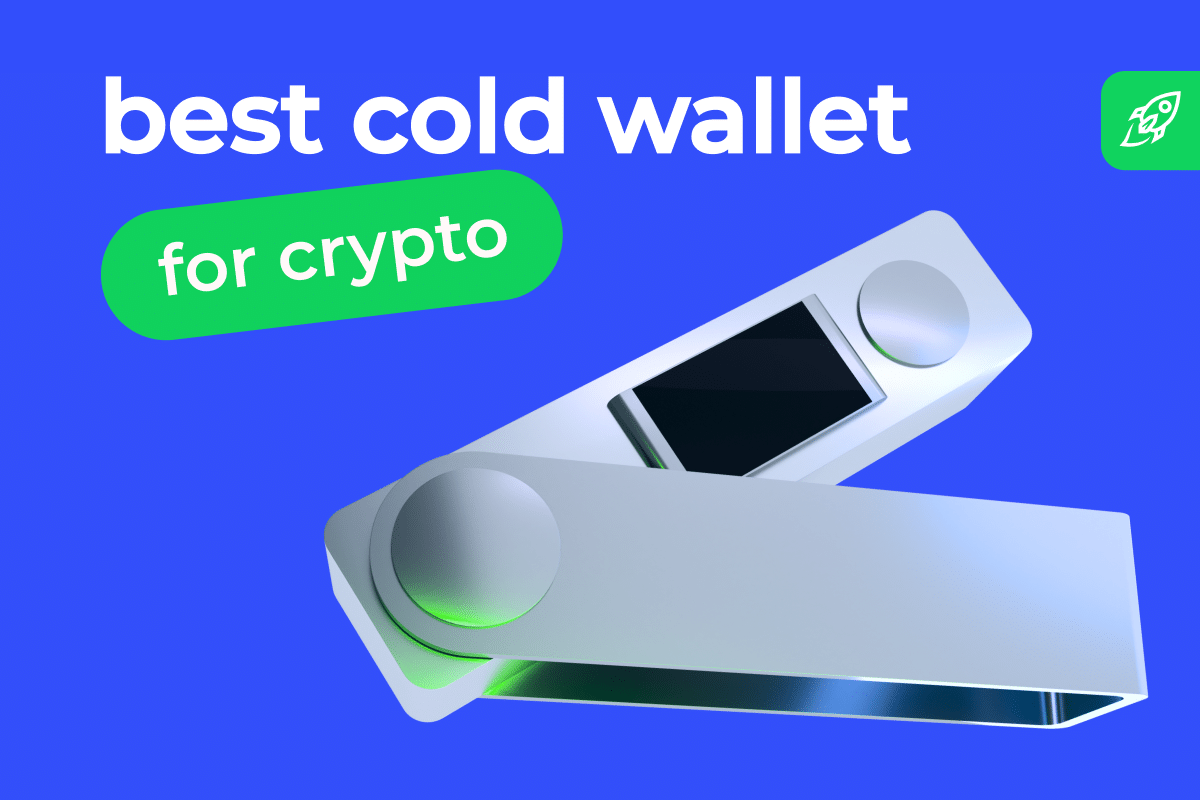
Dynamic Cold Wallet App Capture Illustration
Immerse yourself in the stunning details of this beautiful cold wallet app wallpaper, designed for a captivating visual experience.
Exquisite Cold Wallet App Photo Photography
Immerse yourself in the stunning details of this beautiful cold wallet app wallpaper, designed for a captivating visual experience.

Amazing Cold Wallet App Picture for Mobile
Experience the crisp clarity of this stunning cold wallet app image, available in high resolution for all your screens.

Dynamic Cold Wallet App View in 4K
This gorgeous cold wallet app photo offers a breathtaking view, making it a perfect choice for your next wallpaper.

Stunning Cold Wallet App Capture in HD
Find inspiration with this unique cold wallet app illustration, crafted to provide a fresh look for your background.
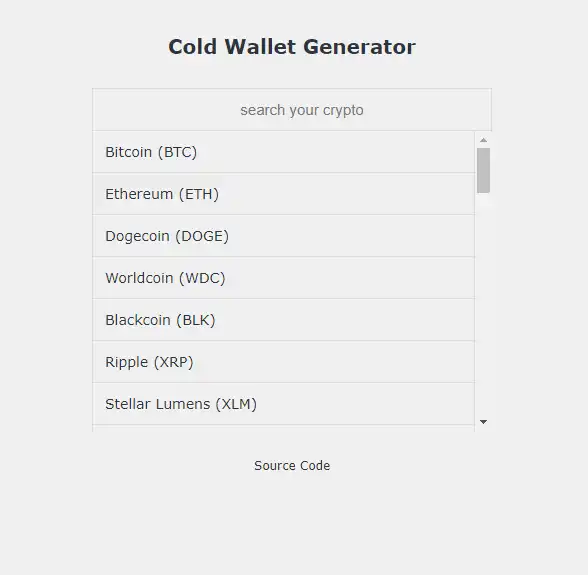
Spectacular Cold Wallet App Moment for Desktop
A captivating cold wallet app scene that brings tranquility and beauty to any device.
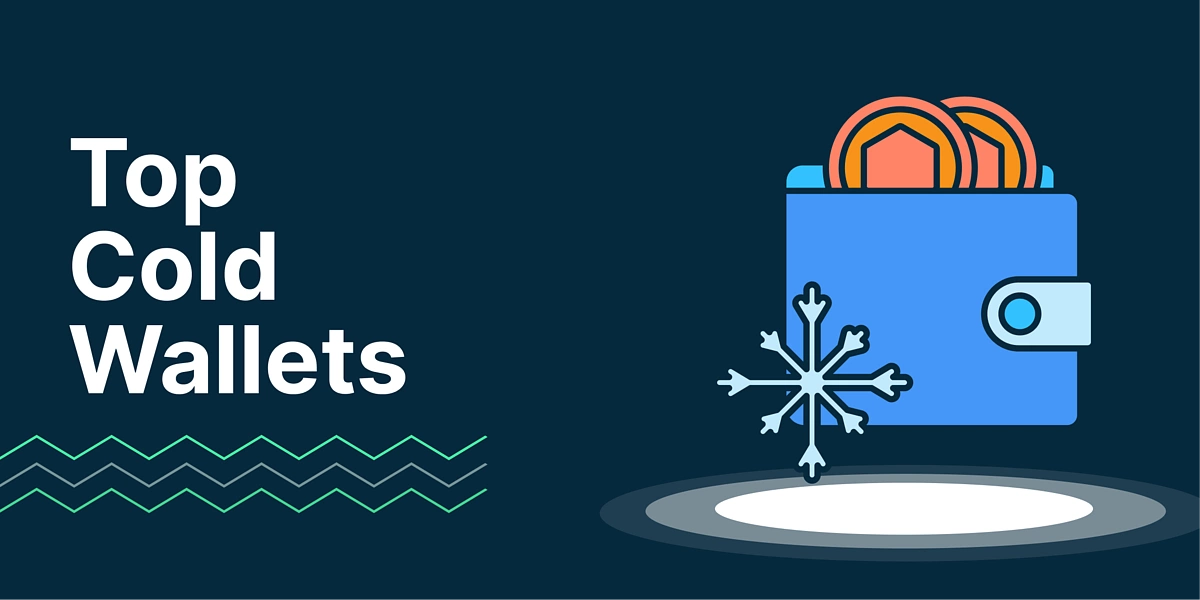
Stunning Cold Wallet App Landscape Nature
This gorgeous cold wallet app photo offers a breathtaking view, making it a perfect choice for your next wallpaper.

Gorgeous Cold Wallet App Abstract in HD
This gorgeous cold wallet app photo offers a breathtaking view, making it a perfect choice for your next wallpaper.

Vibrant Cold Wallet App Photo Nature
Discover an amazing cold wallet app background image, ideal for personalizing your devices with vibrant colors and intricate designs.
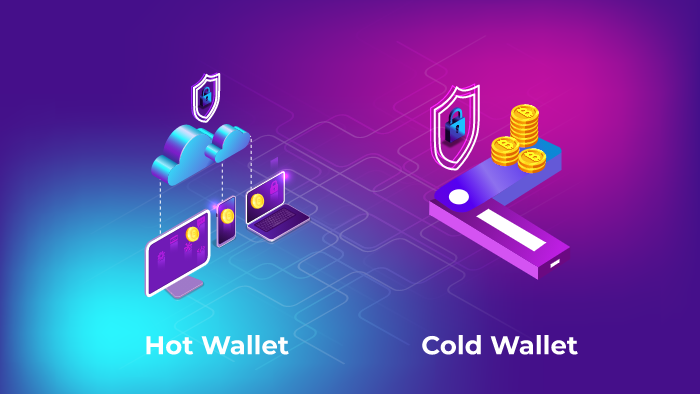
Vibrant Cold Wallet App Scene Concept
Transform your screen with this vivid cold wallet app artwork, a true masterpiece of digital design.
/images/image1.png "Beautiful Cold Wallet App Wallpaper for Your Screen")
Beautiful Cold Wallet App Wallpaper for Your Screen
Transform your screen with this vivid cold wallet app artwork, a true masterpiece of digital design.
Download these cold wallet app wallpapers for free and use them on your desktop or mobile devices.
0 Response to "Cold Wallet App"
Post a Comment